Web & app ordering
Offer web and app ordering alongside the operational tools used to receive and prepare orders.

GREAT SERVICE, BEYOND THE COUNTER
Meet customers wherever they want to order. Qulexin brings web, app and QR ordering together with click & collect, delivery management and kitchen display options, helping you connect the digital experience with the team taking, preparing and handing over each order across your business.

 CONNECTED BY QULEXIN
BUILT AROUND YOUR BUSINESS
Your customers see one order. Your team handles the work behind it. Bring your chosen ordering channels into a setup that considers the whole journey, from browsing and payment to preparation and handover.
Over 100 customers. One connected Qulexin platform.
FOLLOW THE ORDER
Follow the handover between the customer and your team. Try a sample order, change its stage and see how the order board responds.
Try the Q-Suite workspace Q-SuiteDemo data
Bring the order reference, channel and location together when a new order arrives.
Q-SuiteDemo dataGive the team a clear stage for the work in progress, with the original order details close by.
Q-SuiteDemo dataMark the order ready, then complete the sample collection in the interactive workspace.
WHAT YOU CAN DO
Offer web and app ordering alongside the operational tools used to receive and prepare orders.
Explore QR table ordering with your menu, payments and kitchen workflow.
Let customers order before arrival, with collections planned around your team.
Review delivery management and available connections alongside your current operation.
Explore in-person self-service ordering as part of your counter and kitchen setup.
Bring kitchen display options into the workflow receiving and preparing incoming orders.
GETTING STARTED
Plan what customers see and what the team behind the counter needs.
Identify where customers should be able to order: web, app, QR, click & collect or self-service.
Talk through your menu, kitchen, collections and delivery workflow so the setup supports the people fulfilling orders.
Review ordering, EPOS, payment and kitchen display options with the team before agreeing your proposed solution.
IN YOUR WORLD

Give customers a click & collect option and consider how those orders sit alongside the people ordering at your counter.

Explore QR ordering within the wider table-service experience, connecting the customer’s device with payments and preparation.
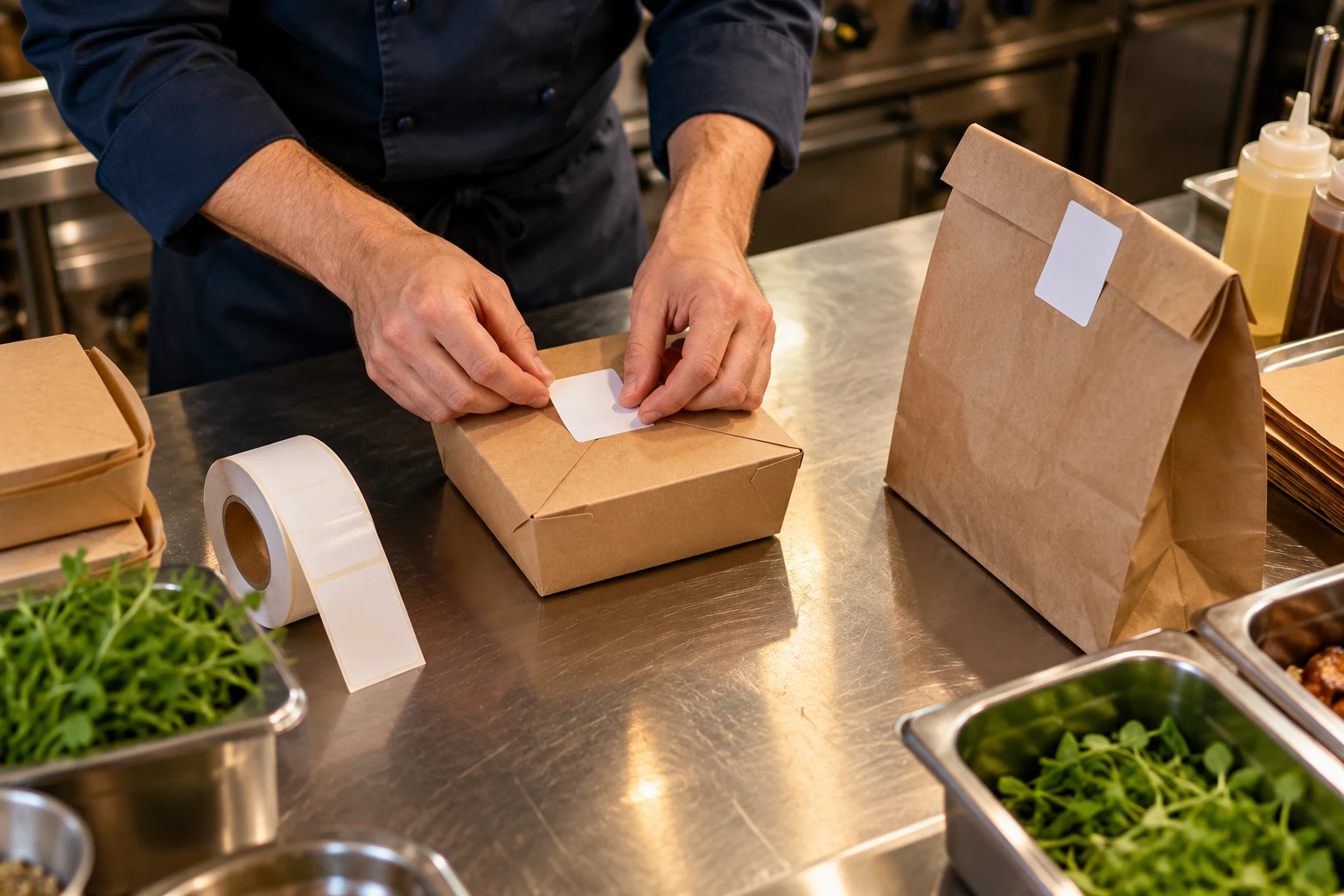
Bring web ordering, kitchen preparation and delivery management into the same planning conversation, with existing delivery tools reviewed as part of setup.
Qulexin offers web, app and QR ordering, alongside click & collect, delivery management and self-service kiosk options. You can explore the channels that suit your business during the demo, together with the EPOS, kitchen display and payment tools behind them.
QR table ordering is available within the Qulexin platform. Discuss how you serve guests, manage your menu and prepare orders so the team can show how table ordering could fit the wider service and confirm the setup available for your business.
Qulexin offers connections for delivery tools, but the exact systems and setup need to be confirmed for your business. Bring the names of the services you use to your demo so the team can discuss the available connections and your delivery workflow.
Your proposed solution can focus on the needs of your business. Start by explaining where customers order today and which new channels you want to offer. The team can then discuss the relevant tools and operational considerations before you decide.
EXPLORE QULEXIN
HELPING BUSINESSES SUCCEED
Explore digital channels that fit your customers and the team serving them.


